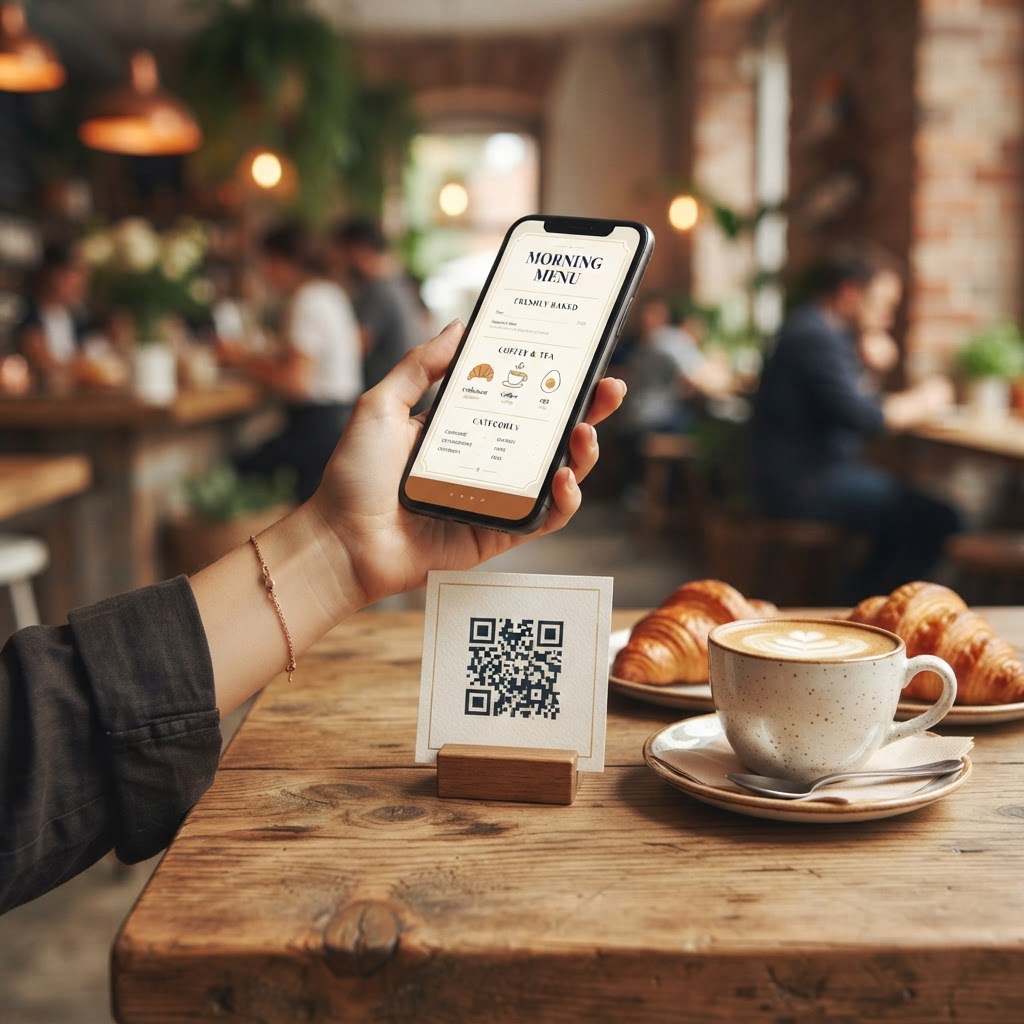
The QR code menu has gone from pandemic-era stopgap to a permanent fixture of hospitality. Done well, it is faster to update than print, cheaper over time, and genuinely useful to customers. Done badly — a scanned PDF that pinches and zooms on a phone — it frustrates more than it helps. This guide covers what a good QR menu looks like, what it should cost, and the details most first-timers miss.
What customers actually want from a QR menu
When a customer scans the code on your table, they are usually hungry and in a hurry. A good digital menu loads instantly on any phone, reads like a native mobile page rather than a document, shows prices clearly, and does not demand an app download or an account. Photos matter more than most owners expect: dishes with appealing images consistently outsell dishes without them.
The allergen question you cannot skip
In the UK, food businesses must declare the presence of any of the 14 major allergens in their food. A printed menu often buries this in a footnote or a poster by the counter. A digital menu can display allergen and dietary information per dish — gluten, dairy, nuts, vegan, halal — which is both better for customers and easier to keep accurate than a laminated sheet. If you use a QR menu service, check that allergen data is per-item and easy for you to update.
What a QR menu should cost
Prices in the market range widely. At the simple end, a static page or PDF costs almost nothing but cannot handle changes without a designer. Purpose-built services typically charge a monthly fee and lock you in. A professionally built one-time menu — like the kind we build at Revly — sits in between: yours outright, no recurring fee, with your branding. Whatever you choose, do the maths over two years: monthly fees often quietly exceed a one-time build.
Where to put the codes
- Table tops — the primary placement, at eye level when seated
- The bill folder — catches customers at their most satisfied moment
- Window and door stickers — lets passers-by browse before entering
- Delivery packaging and receipts — extends the menu to off-site customers
Keep print for the people who want it
A small but real share of customers — often your most loyal regulars — prefer paper. The best setups treat the QR menu as an addition, not a replacement. A stack of printed menus by the door costs little and removes the one complaint that dominates QR menu criticism.
Updating is the whole point
The single biggest advantage of a digital menu is that "86'd" items, price changes, and seasonal specials can be live in minutes. If your service makes you email someone and wait a week, you have a PDF with extra steps. Before committing to any provider, ask to see exactly how an item edit works and how long it takes.
A note on quality
Customers judge your restaurant by the polish of everything you put in front of them, and your menu is on the front line. A crisp, well-designed digital menu signals the same care as a clean dining room; a blurry scan of a photocopy signals the opposite. If you would not serve a dish looking like that, do not serve your menu looking like that.
For the money side of the decision, our digital menus vs printed menus comparison breaks down two years of real numbers.
Revly builds digital menus with UK 14-allergen structure, per-item dietary tags, and your own branding — no monthly fee. (Revly is currently running a free pilot — the first 50 cafés get everything free.) See a live example at menu.reviewwork.uk.