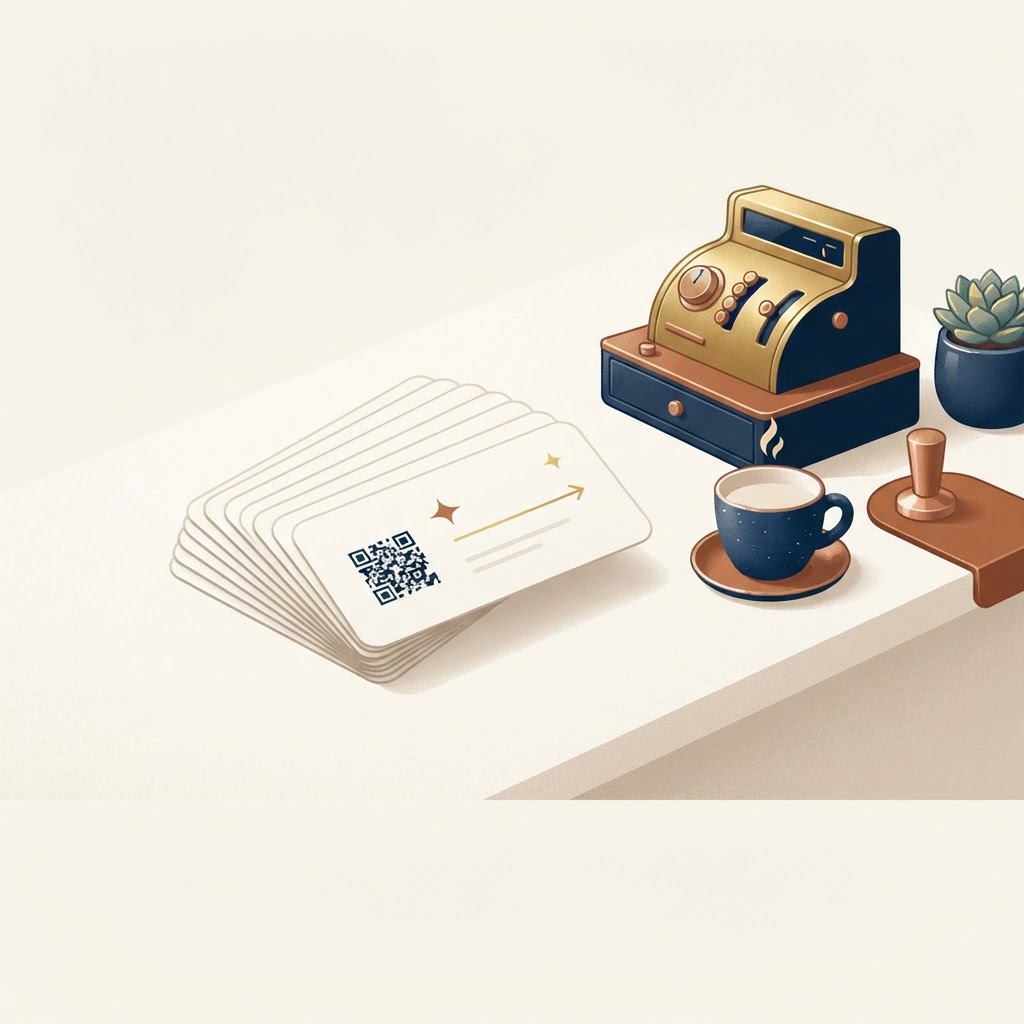
You have seen the little cards on counters and tables: scan here, tell us how we did. A Google review card is the printed version of that idea — a card, table talker or sticker carrying a QR code that opens your Google review flow the moment it is scanned. For cafés, it is one of the highest-leverage, lowest-cost tools in local marketing. This guide covers the whole setup: how the flow works, where the cards go, how to print them properly, and the mistakes that quietly kill results.
How the review card flow actually works
A customer scans the QR code with their phone camera — no app, no account. The flow opens in the browser: they tap how their visit went, and an AI-assisted draft appears. Crucially, the draft is a starting point: the customer reads it, edits it however they like, chooses their own star rating, and posts it to Google themselves. The customer stays in control of every word that goes live. That structure matters for two reasons: reviews written in the customer's own context are the ones Google's spam filters trust, and it keeps the whole thing squarely within Google's policies — the card asks every customer equally, with no filtering of unhappy ones. You can see the exact flow on our live demo, and the wider mechanics are in our guide to how Google review QR codes work.
Where to place the cards in a café
The rule is simple: the card must be in front of the customer at the moment goodwill peaks, and scanning it must not require social effort. Concretely:
- The counter, by the card machine. The highest-traffic square metre in any café. Customers stand there for twenty unstructured seconds while paying — that is your window.
- The bill, receipt, or order slip. The paper travels with the customer, so the QR travels with them. A review left an hour later is still a review.
- Table talkers. For cafés with table service or seat-and-order models — the card waits patiently through the whole visit.
- Coffee cups and delivery bags. Unconventional, memorable, and right at the moment the customer is happiest.
- The window or door. Lower conversion, but it signals confidence to passers-by — a card that says we ask everyone is a small trust signal in itself.
Start with the counter and the receipt; those two placements outperform the rest combined in most counter-service venues. Add more once the first two are working.
Printing specs that avoid the common failures
Most review card problems are printing problems, and they are all cheap to avoid:
- Size. Print the QR code at least 2 cm square, preferably 2.5 cm. Smaller codes scan badly on older phone cameras, and a code that fails to scan twice never gets a third try.
- Contrast. Dark code on light background. Your brand colours are welcome everywhere on the card except inside the QR itself — a copper-on-cream palette is fine if the code itself stays high-contrast.
- Glare. Glossy lamination looks premium and reads terribly under café spotlights. Matte finish, or matte-lam the area around the code.
- Quiet zone. Keep a clear margin of white space around the code — no borders, textures, or logos touching it.
- Test before you batch. Scan the proof with three different phones — an old Android, a new iPhone, and whatever your most regular customer uses.
Getting the wording right
The card copy should ask, not demand, and it should ask everyone. Two lines work well: an honest prompt (“How was your visit?” beats “Leave us a 5-star review!” — the second is both pushy and, as a pattern, the kind of thing that gets profiles flagged), and a small promise of effort (“takes 30 seconds”). If your customers are multilingual, the flow behind the QR can be set up in English, Hindi, Gujarati, or any language your customers are comfortable in — same card, better reach. The legal and policy landscape around asking for reviews — what is fine and what is not — is covered in our guide to fake reviews and the law, and the volume strategy behind it all is in how to get more Google reviews honestly.
Measuring whether it is working
Two numbers, checked monthly: reviews per month on your Google Business Profile, and (if your QR is a Revly one) scan counts per card placement. Give a placement six weeks before judging it — café traffic ebbs and flows with seasons, tourists and weather, and one bad fortnight is not a verdict. When a placement works, clone it: a second card at the second register, a table talker on the terrace. The full dashboarding of your profile is in our Google Business Profile guide.
Mistakes that quietly kill review cards
- Only offering the card to happy customers. Review gating — filtering who gets asked — violates Google policy and creates the unnatural pattern the spam filter is trained on. Everyone gets asked.
- The card nobody mentions. A shy card at the till end earns nothing. Staff should hand the receipt with the card face-up; one line of training fixes it.
- Complicating the flow. Every extra step between scan and review loses a share of customers. The whole flow should be under thirty seconds.
- Burying the QR under design. The card is a tool, not a brochure. One QR, one question, one link's worth of copy.
The setup, end to end
To summarise the whole thing: design the flow behind the QR (every customer asked, AI-assisted draft, customer edits and posts), print at least two placements (counter and receipt), test the scans, brief the staff in one sentence, and measure monthly. That is the entire project — a weekend of setup and a lifetime of steady reviews. If you would rather not do the printing and plumbing yourself, that is exactly what we do: Revly's Google review cards come designed, printed and set up for your venue.
Revly sets up QR review cards and the full review collection flow behind them — every customer, their own phone, their own words, in any language. (Revly is currently running a free pilot — the first 50 cafés get everything free.) Try it yourself on the demo page or get in touch.